
3 Clicks to Clarity:
Workforce Management Reports Made Easy
Get answers in seconds, not spreadsheets.
By submitting this form you consent to the processing of the personal data provided above in accordance with and as described in the Privacy statement
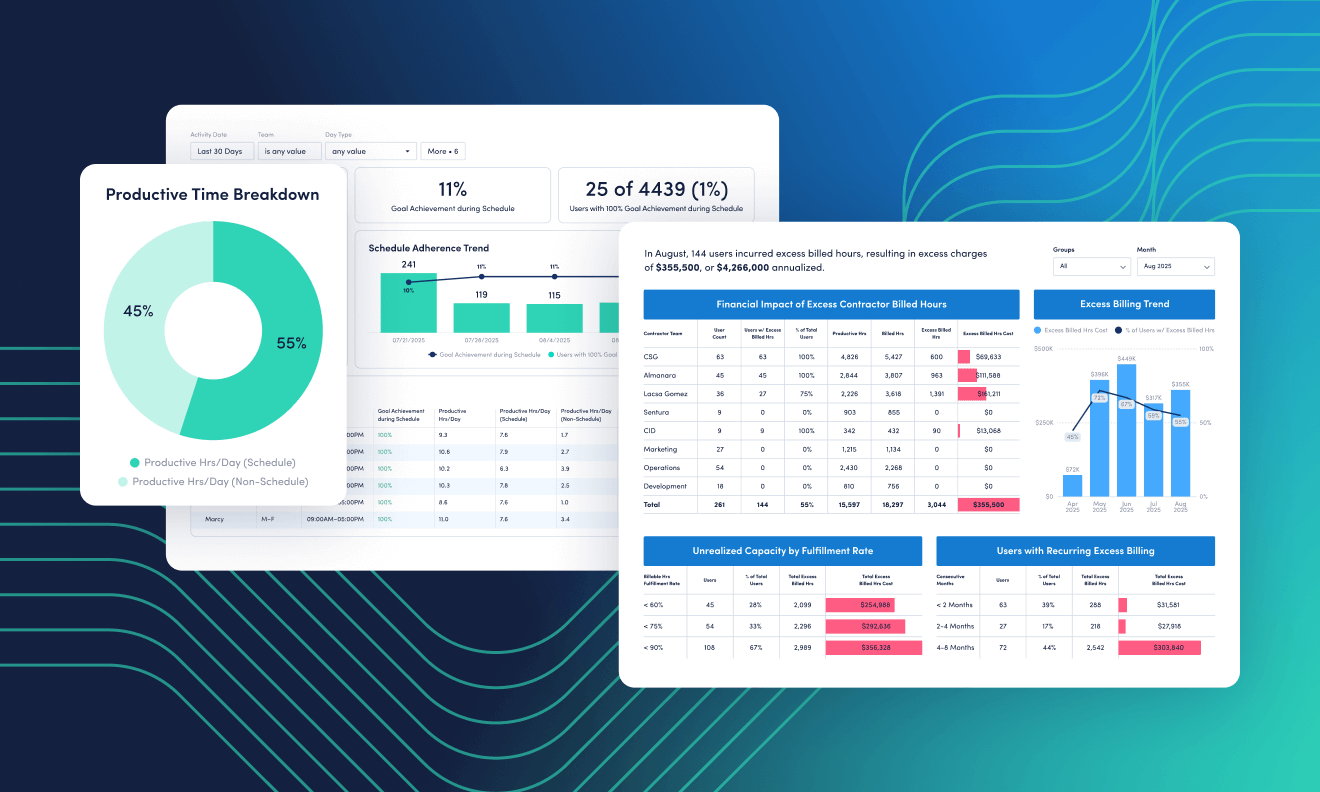
Understanding workforce issues, gaps and trends shouldn’t take hours of manual reporting. With the latest updates in ActivTrak, it’s easier than ever to track attendance, verify contractor hours and make sure schedules and policies align — all in just a few clicks.
In this session, we’ll show you how to use our new reports, data filters and HRIS integration to quickly answer your most common workforce management questions, like:
- Who took days off without reporting them?
- Did contractors overbill for hours they didn’t work?
- Who didn’t align to schedule or policy expectations?
- Who is submitting inflated timesheets?
Join us to learn how to configure ActivTrak for rapid, reliable insights — empowering managers and leaders to make confident decisions backed by data, not guesswork.
Key takeaways:
- Learn how to configure your dashboard and filters for faster workforce visibility
- Discover how our HRIS integration connects policy data with real activity insights
- See live examples of how to answer key workforce questions in three clicks or less
- Leave with templates and best practices for repeatable, automated reporting